
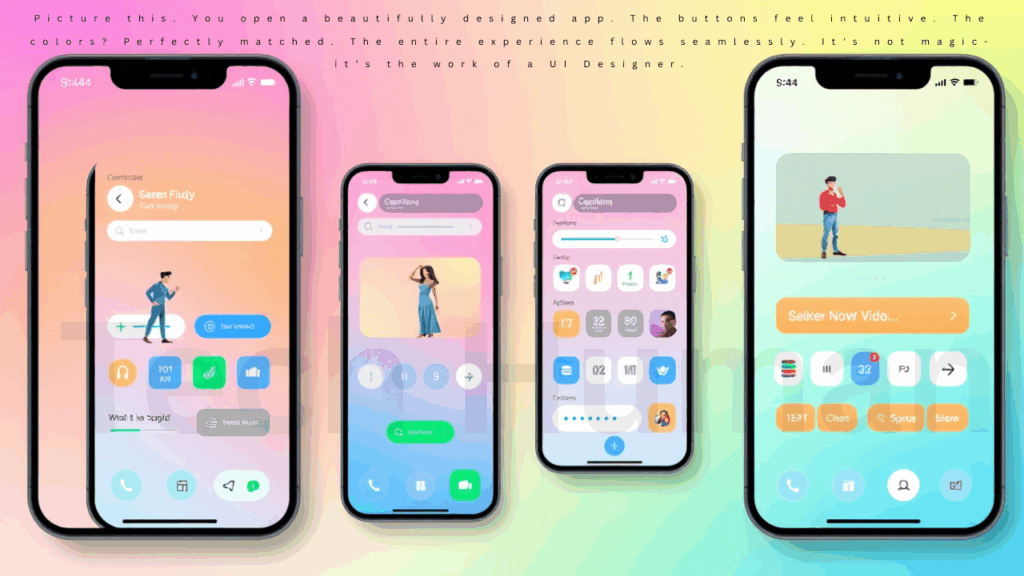
Picture this. You open a beautifully designed app. The buttons feel intuitive. The colors? Perfectly matched. The entire experience flows seamlessly. It’s not magic-it’s the work of a UI Designer.
If you’ve ever been captivated by how easy or delightful it is to use a digital product, chances are a UI designer played a central role in making that happen. But who are these creatives shaping our digital experiences? What exactly do they do-and how can you become one?
Let’s dive into the exciting, ever-evolving world of UI design.
UI Designer Full Biography Table (Informational Breakdown):
| Field | Details |
|---|---|
| Profession | UI Designer (User Interface Designer) |
| Definition | A UI Designer is a professional who focuses on designing user interfaces for digital products, ensuring visual appeal and usability. |
| Primary Focus | Visual design of websites, apps, software interfaces, dashboards, etc. |
| Key Responsibilities | Designing wireframes, prototypes, and layouts; creating design systems; collaborating with UX designers and developers |
| Essential Skills | Visual design, typography, color theory, interaction design, Figma/Sketch/XD, responsive design, prototyping |
| Top Tools | Figma, Adobe XD, Sketch, InVision, Zeplin, Photoshop, Illustrator |
| Education Required | Bachelor’s in Graphic Design, HCI, Computer Science, or related fields (not mandatory but preferred) |
| Certifications (Optional) | Google UI Design Certificate, Coursera UI/UX Specialization, Adobe Certification |
| Experience Level | Entry-level to senior positions (based on portfolio and projects rather than just years of experience) |
| Portfolio Importance | Crucial – a well-designed portfolio showcasing previous UI work is often more valuable than a resume alone |
| Average Salary (Global) | $55,000 to $95,000/year (varies by location and experience) |
| Industries Hiring | Tech companies, e-commerce, finance, healthcare, media, gaming |
| Career Path | Junior UI Designer → Mid-Level Designer → Senior UI Designer → Lead UI Designer → Design Manager or Product Designer |
| Job Outlook | High demand with growing need for digital platforms and software |
| Difference from UX | UI = Visual design (how it looks); UX = Experience design (how it works) – though often work closely together |
| Freelancing Scope | High – many platforms offer freelance UI design gigs (Upwork, Fiverr, Toptal, etc.) |
| Remote Work Possibility | Very high – many companies offer full remote or hybrid opportunities |
| Top Employers | Google, Apple, Microsoft, Adobe, Meta, Amazon, Airbnb, startups |
| Popular Design Trends | Neumorphism, Glassmorphism, Dark Mode, Minimal UI, 3D elements |
| Must-Have Traits | Creativity, detail-oriented, collaboration, communication, user empathy |
What Is a UI Designer, Really?
A UI Designer, short for User Interface Designer, is responsible for how an app, website, or software looks and feels. They design the layout of pages, the placement of buttons, the use of colors, fonts, and spacing-all to create an interface that is both visually pleasing and easy to navigate.
In simple terms: If UX designers focus on how things work, UI designers focus on how things look and feel.
They make sure that:
- Text is readable
- Buttons are placed where users expect them
- The design aligns with the brand
- The interface works across devices
And they do all this while collaborating closely with UX designers, developers, and stakeholders to bring ideas to life.
UI vs UX: What’s the Difference?
This is one of the most common questions. And it’s a good one.
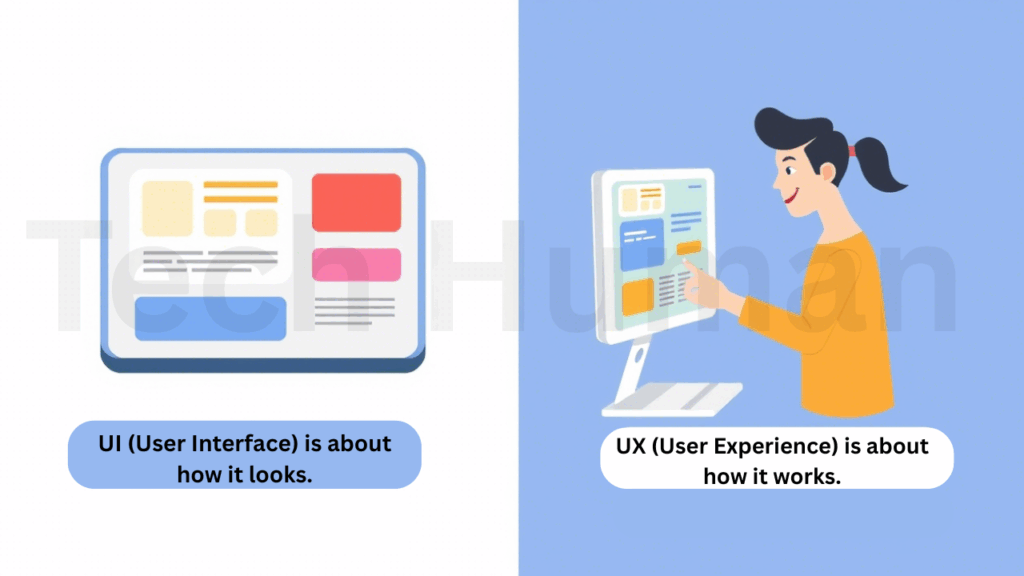
- UX (User Experience) is about how it works.
- UI (User Interface) is about how it looks.
Think of building a house. The UX designer is the architect who plans the structure. The UI designer is the interior decorator who chooses the paint, lighting, and furniture.
They work together-but their focus is different.
What Does a UI Designer Actually Do All Day?
A day in the life of a UI Designer is rarely repetitive. It usually includes:
- Wireframing and Prototyping: Sketching rough layouts and turning them into interactive prototypes.
- Designing Interfaces: Using tools like Figma or Sketch to craft detailed screens.
- Collaborating with Teams: Syncing with UX designers, developers, product managers, and marketing.
- User Testing Feedback: Making improvements based on how real users interact with the interface.
- Keeping up with Trends: Design moves fast. What was modern two years ago can look outdated today.
Is UI Design in Demand? (Spoiler: Absolutely)
The job market for UI Designers is booming.
According to recent projections from the U.S. Bureau of Labor Statistics, roles in digital design and development (which includes UI) are expected to grow by 16% between 2022 and 2032. That’s significantly faster than average.
Why? Because almost every industry now has a digital presence-and users expect quality. Whether it’s a startup or a Fortune 500 company, intuitive design has become non-negotiable.
Also Read: Elmshorner HT/URL
UI Designer Salary Guide (2025 Update)
Here’s what UI Designers can expect to earn, based on experience and location:
| Experience Level | Average Salary (USD/year) |
| Entry-Level | $60,000 – $80,000 |
| Mid-Level | $85,000 – $120,000 |
| Senior/Lead | $120,000 – $180,000+ |
These numbers vary, of course. Designers working in large cities or high-demand industries often earn even more-especially those with strong portfolios and technical skills.
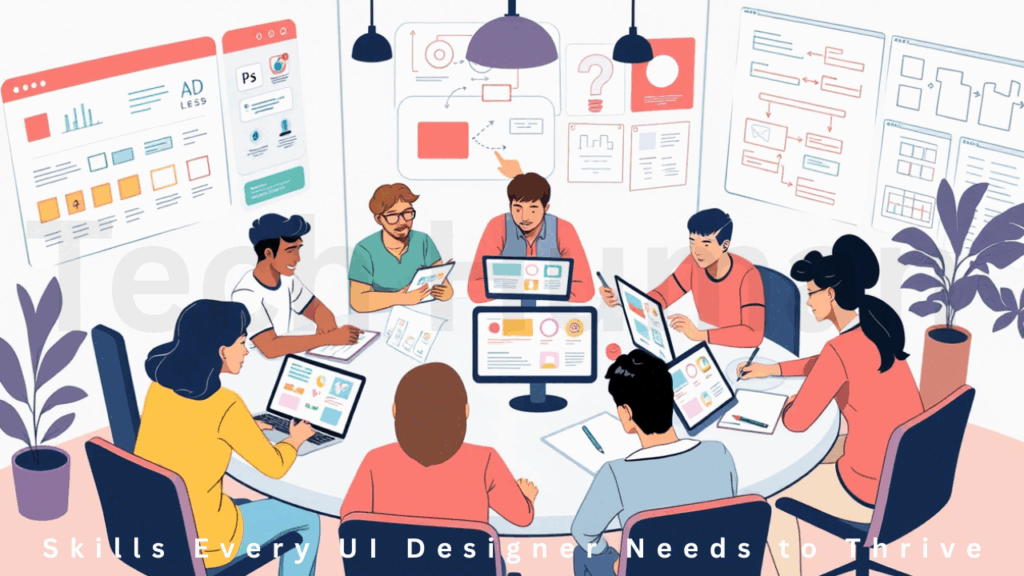
Skills Every UI Designer Needs to Thrive
To succeed as a UI Designer, you’ll need a mix of creativity, technical ability, and people skills. Here’s a breakdown:
Design Fundamentals
- Typography, color theory, spacing, and visual hierarchy
- An eye for detail and aesthetics
Design Tools
- Figma (currently leading the pack)
- Sketch
- Adobe XD
- ProtoPie
- Penpot (an open-source rising star)
Prototyping & Testing
- Creating interactive mockups
- Using platforms like Maze or Lyssna for usability feedback
Collaboration & Communication
- Presenting ideas clearly
- Giving and receiving constructive feedback
- Working with cross-functional teams
How to Become a UI Designer (Even If You’re Starting from Scratch)
Here’s a straightforward path:
Step A: Learn the Basics
Begin with understanding what UI design is. There are amazing resources out there-platforms like Coursera, CareerFoundry, and Interaction Design Foundation offer structured programs.
Step B: Practice Real Projects
Start small. Redesign your favorite app. Volunteer for a non-profit. Mockup a landing page for a fictional product. The goal? Build confidence and muscle memory.
Step C: Master the Tools
Pick one (like Figma) and go deep. Learn how to create responsive designs, interactive components, and team libraries.
Step D: Build a Portfolio
Create a place to showcase your work. Platforms like Dribbble and Behance are excellent, but your own personal website gives you complete control.
Step E: Apply, Learn, Repeat
Don’t wait to feel “ready.” Start applying for internships, junior roles, or freelance gigs. Each project teaches you something new.
Where Can You Find UI Designer Jobs?
- LinkedIn (Thousands of postings, plus networking opportunities)
- Indeed and Glassdoor (Helpful for job searches and salary insights)
- Dribbble Jobs (Great for remote and freelance gigs)
- Upwork or Toptal (For freelance contracts)
- Design Agencies & Startups (Follow them on social media or job boards like Dice and Clutch)
Pro tip: Tailor your resume and portfolio for each job. Highlight projects that mirror the role’s responsibilities.
Trends Shaping UI Design in 2025
UI design isn’t static. It moves with technology and culture. Here are some key trends this year:
AI-Augmented Design
Design tools are getting smarter. Features that auto-suggest layouts, color palettes, or even generate complete screens are becoming more common.
Voice and Haptic Interfaces
UI is no longer limited to visuals. Designers are exploring how to make interactions more tactile and voice-integrated-especially for wearables and smart devices.
Accessibility as a Must-Have
Making sure interfaces work for everyone isn’t just good design-it’s becoming law in many places. Accessibility is now at the heart of good UI.
Foldable and Flexible Devices
Designing for foldable screens, dual displays, and immersive layouts is opening up entirely new challenges (and opportunities).
Ethical Design
As technology becomes more persuasive, designers are being held accountable for creating ethical, inclusive, and bias-free interfaces.
Common Questions About UI Designers
Is UI Design hard to learn?
It’s not “easy,” but it’s very learnable-especially if you have curiosity and a desire to build. Like any creative skill, it takes time and practice.
Do I need to know how to code?
Not necessarily. While understanding basic HTML/CSS helps with collaboration, many UI Designers don’t write production code.
What makes a good UI Designer?
A great UI Designer is empathetic. They understand users, solve problems visually, and communicate clearly with their team. It’s a mix of design talent, emotional intelligence, and collaboration.
Final Thoughts: Why UI Design Matters More Than Ever
In a world where attention spans are short and options are many, the way a product looks and feels can make or break it. That’s why UI Designers are no longer just “nice to have”-they’re essential.
Whether you’re dreaming of a career switch, looking to hire someone to bring your product to life, or just curious about what goes into the apps you use every day-understanding the role of a UI Designer is more relevant than ever.
It’s not just about making things pretty. It’s about making things work beautifully.